
The fastest way to get help with installation, access, or service questions.
Open WhatsApp
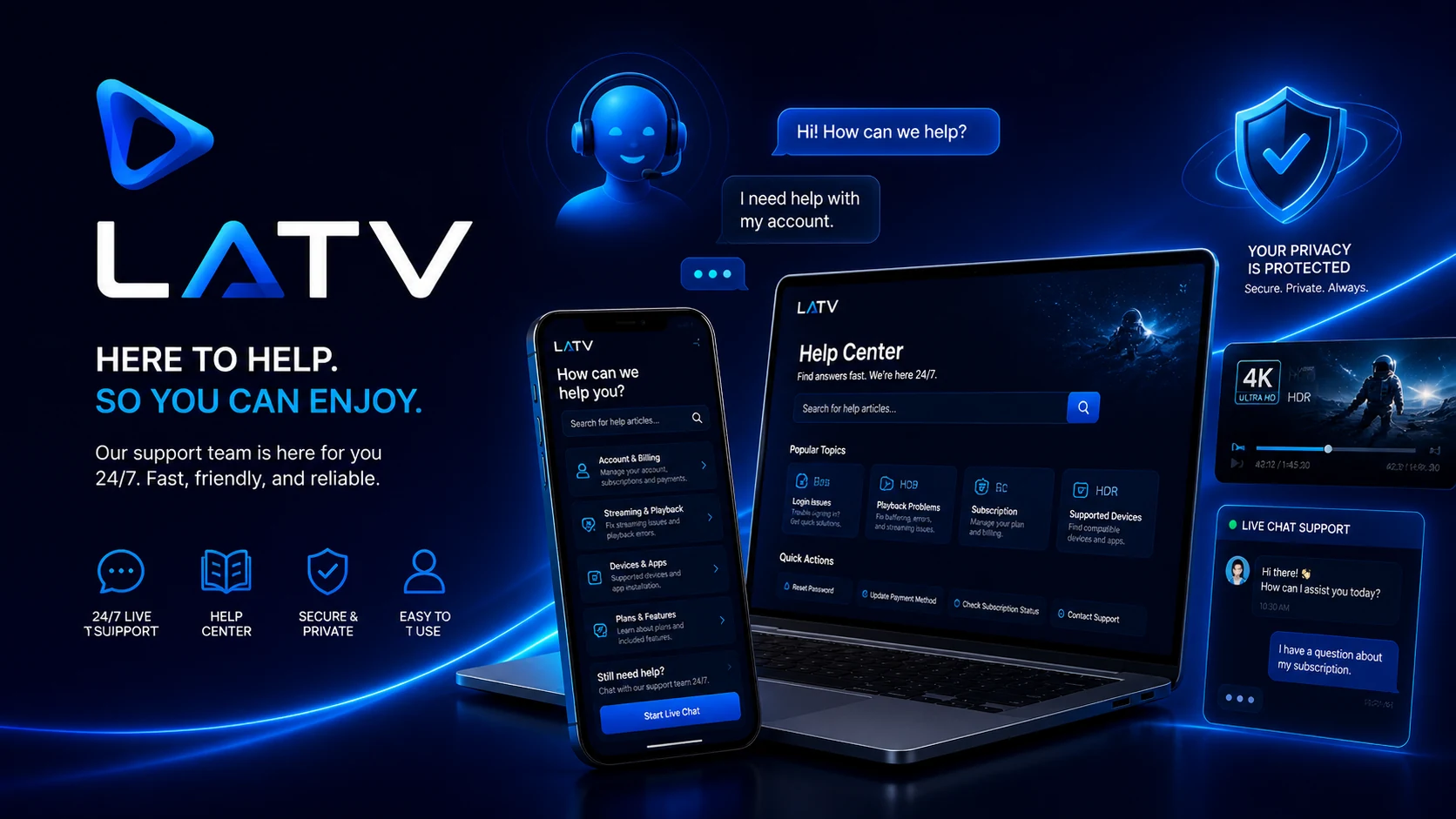
Help center
Quick support to install, sign in, and enjoy LATV
Find direct access, simple steps, and clear answers to solve common questions quickly.
Ideal for detailed questions or written follow-up.
Send emailApps
Open the download and tutorial center to install LATV on your device.
View apps
Quick guide
Before contacting support
Review these points to solve common installation and access questions.
Net
Check your connection
Confirm the device has stable internet before opening the app.
App
Use the right app
Download the recommended version for your device.
Data
Verify your details
Enter username and password exactly as provided.
Help
Request help
If the issue continues, contact support and mention your device type.
Channel list
Browse available channels by name, category, or country.
Open channelsDownload center
Download apps for Android, FireStick, Windows, or Mac.
Open downloadsWeb panel
You can also sign in from a browser with your username and password.
Enter panel
Frequently asked questions
Simple answers for LATV customers
Useful information for installation, access, and daily use.
Where do I download the app?
Go to the download center and choose the option for your device.
Can I watch LATV from a browser?
Yes. You can enter the web panel with your username and password from a compatible browser.
Where can I see the channel list?
Use the channels section to search by name, category, or country.
What information should I send to support?
Mention your device, the app you use, and a short description of the issue.