
LATV Apps
Downloads and tutorials for every device
Install LATV on Android, FireStick, Windows, or Mac. You can also use the web panel with your username and password.
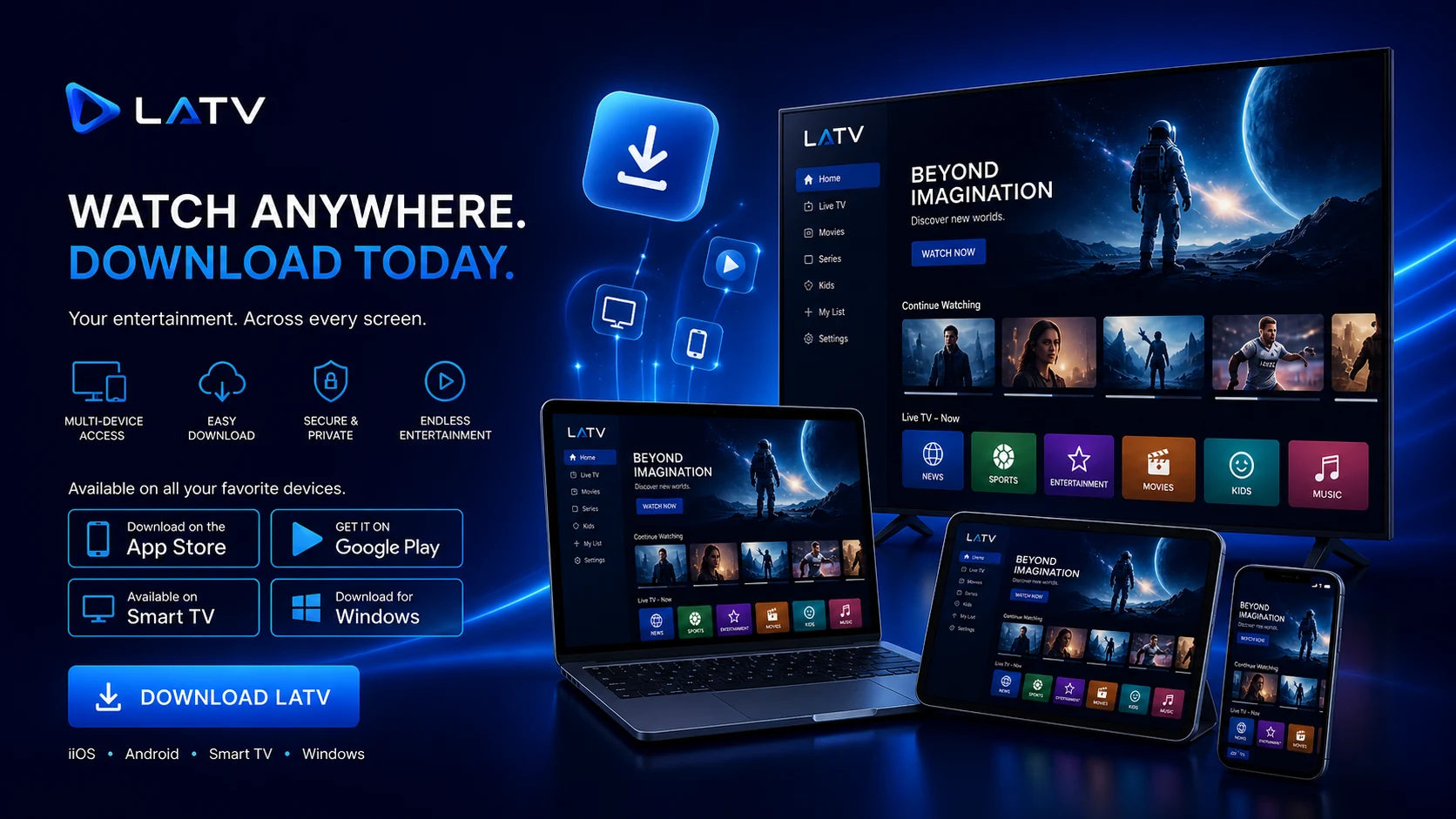
Available downloads
Download for your device
Choose the recommended option to install LATV.
Android
Available
LATV Android / FireStick / Android Box
Recommended app for FireStick, Android phones, Android TV, and TV Box devices.
Download
Windows
Available
LATV Windows
Application for Windows computers.
Download
Mac
Available
LATV Mac
Installation package for Mac computers.
Download
Web
No install
LATV web panel
Watch live channels from your browser with your username and password.
Enter web panel
Tutorials
Installation tutorials
Use these videos as a quick guide to set up your device.
Smart TV
Visual guide to install and prepare LATV on compatible TVs.
Watch tutorialWindows
Recommended steps to download, install, and sign in from Windows.
Watch tutorialiPhone
Quick reference for customers using iPhone or a mobile browser.
Watch tutorial